环境准备
1、Node.js 20+
2、npm 11.11.0+
3、windows需要WSL2
执行安装命令
npm install -g openclaw
成功后输出
………………
npm warn deprecated rimraf@3.0.2: Rimraf versions prior to v4 are no longer supported
npm warn deprecated glob@7.2.3: Glob versions prior to v9 are no longer supported
npm warn deprecated are-we-there-yet@2.0.0: This package is no longer supported.
npm warn deprecated gauge@3.0.2: This package is no longer supported.

added 653 packages in 1m

127 packages are looking for funding
  run `npm fund` for details
运行openclaw
#方式1
ollama launch openclaw

#方式2 -需要第一次先运行方式一
openclaw gateway start
注意:此时会提示选择模型,可能需要登录ollama账号,根据提示操作
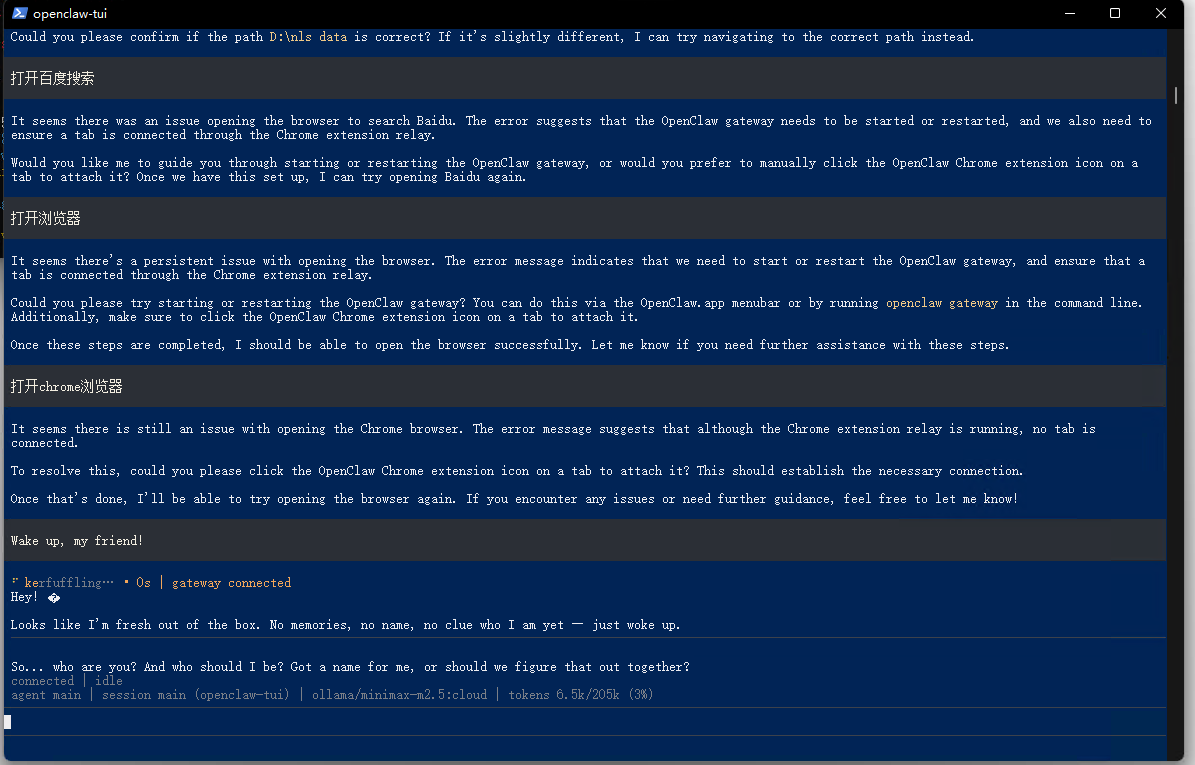
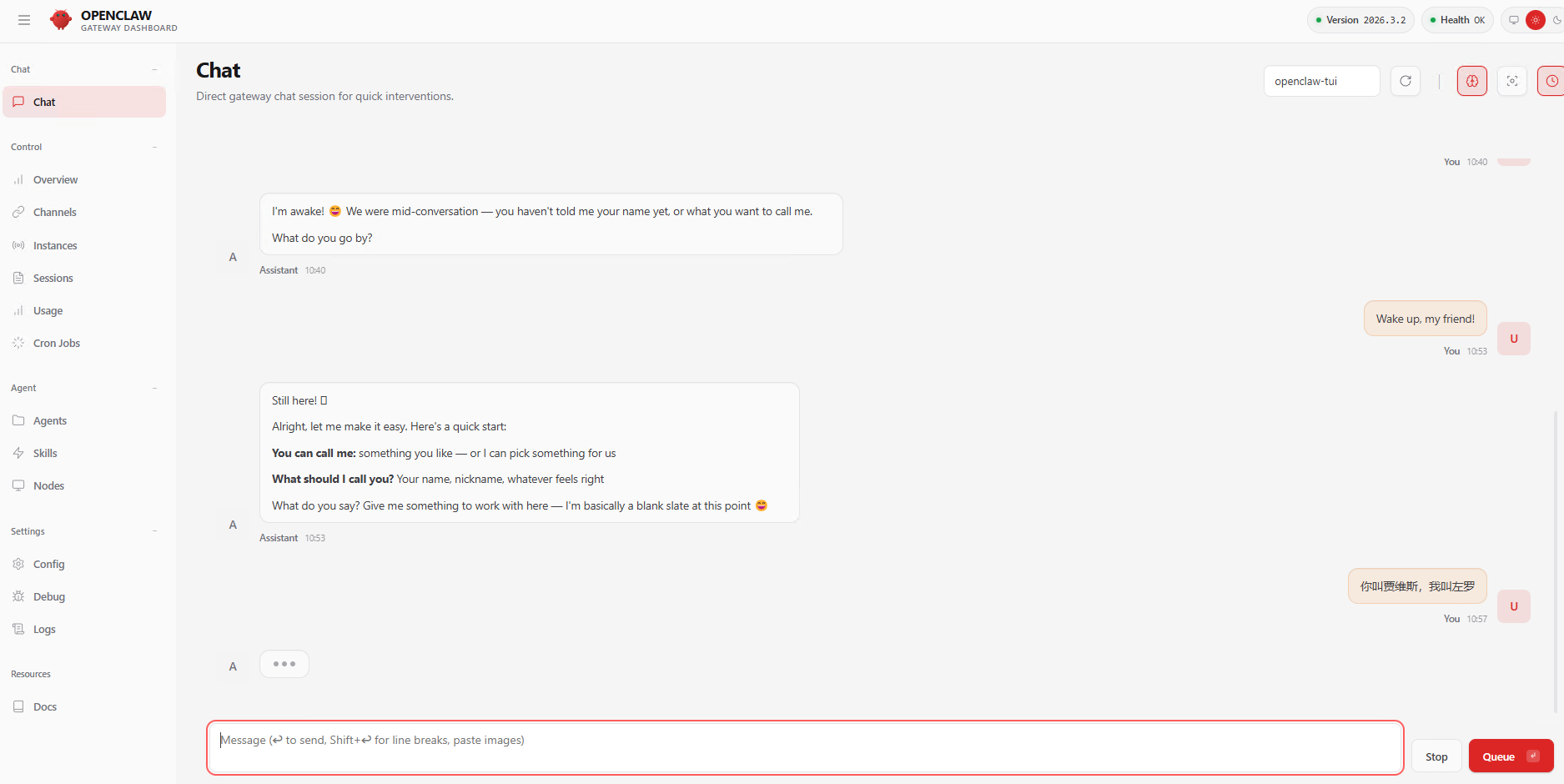
成功后会自动打开控制台进行对话
网页打开 http://localhost:18789/#token=ollama
其他
关闭openclaw
#方式1
openclaw gateway stop

#方式2 无法关闭的情况,执行后关闭控制台窗口
openclaw gateway --force
更新
#方式一
openclaw update

#方式二,如果上面的不能成功
npm install -g openclaw
根据自己的需要安装插件,安装channel,skill等,国内目前支持钉钉,飞书,亲测可用
使用clawhub安装好用技能,先安装clawhub
npm install -g clawhub
登录:clawhub login --token xxxxxxx在web创建xxxxxxxxxx